
This article was automatically translated by an AI tool from the original Spanish version, and may contain errors.
You’ve seen it a thousand times. You land on a new website, it asks you to create an account and, right below the form, there’s a button promising to save you the hassle: «Sign in with Google», «Continue with Facebook». One click and you’re in. No password to invent, no email to confirm, no waiting. It’s so convenient that we barely think about it. And that’s exactly why it’s worth pausing for a minute to understand what we’re accepting when we click it.
There’s a technology behind that button called OAuth 2.0, and in this article I want to explain it plainly, without needless jargon: what it is, what it was designed for, why it’s so tempting and why, even though it’s a serious standard, you’re better off avoiding it in most cases.
What OAuth 2.0 is — and what it isn’t
Let’s start with the basics, because there’s a widespread misunderstanding here. OAuth 2.0 is an authorization protocol, not an authentication protocol. The difference isn’t a purist’s whim: it’s the key to everything.
- Authentication is verifying who you are (your identity).
- Authorization is granting what you can do or access (your permissions).
They’re two different things, and OAuth 2.0 was born for the second. Its goal is to let an application access resources hosted on another service — a remote API or a slice of your data, for example — acting on your behalf and with your consent, without that application ever getting to know your password. To achieve this, instead of credentials it uses tokens.
An access token is a piece of data that represents the authorization to access certain resources on behalf of the user. It usually has a limited lifetime and renews itself, or renews through a refresh process (the refresh token), which adds an extra layer of security: even if someone intercepted a token, its usefulness would soon expire.
So far, all reasonable. The problem shows up when a mechanism designed to authorize is used to log in — that is, when we turn it into the gatekeeper of our digital identity.
The shortcut everyone uses
Think about how often you’ve seen that option. Besides Google and Facebook, today you can sign in this way with X, Apple, LinkedIn or Pinterest, among others. You find it on news sites, on Instagram, in dating apps, on Airbnb, on Spotify, on Uber and in tens of thousands of games and services.
The reason for its success is simple: for many people it’s faster and lighter than creating an account from scratch. No password to remember, no verification email, no friction. And friction, in the digital world, is precisely what companies want to remove so you finish the sign-up instead of abandoning it.
Except that shortcut has a price, and it isn’t paid in money: it’s paid in data (your privacy).
When you log into a website through a service like Google or Facebook, that website can request a lot of the information those platforms hold about you. And we’re not talking crumbs. Facebook or LinkedIn store enormous amounts of shareable data: your birthday, your friends list, your email address, your job, the universities you attended, photographs and even information third parties have posted about you, such as photos you’ve been tagged in.
Before completing the process, you’ll see a summary window with the exact data the site is going to request. Its purpose is to inform you and obtain your permission with full knowledge. The trouble is that hardly anyone reads it carefully: we say “yes” out of inertia, and that “yes” opens another door for our personal data to circulate and, quite likely, end up shared on other sites.
That small agreement, which seems inconsequential, can have big repercussions. By linking two or more services, companies manage to collect even more data about you and keep building an ever more complete profile. And let’s be clear on this point: social networks are not a reliable source of identity. Their priority isn’t your privacy. Like any for-profit company, their goal is to monetize their product as much as possible, and that product, to a large extent, is you.
There’s no need to imagine conspiracy-theory scenarios: the mechanism is in plain sight and quite mundane.
The Facebook «Like» buttons scattered across half the Internet aren’t just there so you can flag that you like something. They actually collect data about the products, articles and pages you point to, and then the platform sends back advertising and content tuned to those interests.
Google does something similar through other channels: it tracks your habits through searches on its engine and also when you use its browser, Chrome. It collects your location through Waze and Google Maps and even records your university coursework when you use its online applications, to name just a few examples.
All that information, properly processed with the help of AI and Big Data, makes it possible to build a very detailed portrait of each of us. Demographic profiles are often produced and then sold to advertisers keen to publish across Google’s products, from the ads in the Gmail sidebar to the sponsored results in search.
Every login with someone else’s account is one more tile in that mosaic. It’s not that the specific site you’re using is spying on you: it’s that it’s handing a third party the key to read a profile about you that you don’t control.
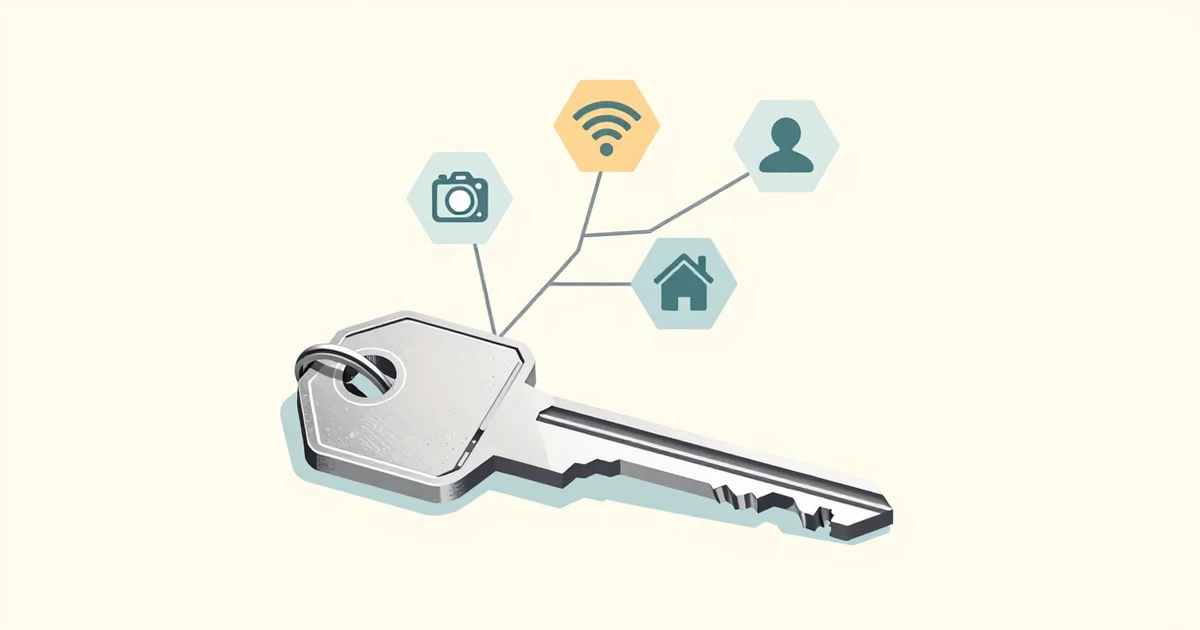
Beyond privacy, there’s a security problem that’s usually overlooked. By logging into several sites with a single unified access, all those accounts end up as protected as the weakest of them. It’s the principle of defense in depth applied backwards: instead of adding layers of protection, you merge them into one.
Take Facebook, which has been hacked on numerous occasions. If an attacker obtains a user’s login credentials — something relatively common — they don’t just get into that profile: they can also reach every site that uses the platform as an alternative login method, and those number more than eight million. Put another way, every breach Meta suffers puts its more than 2.9 billion users worldwide at risk all at once.
And there’s a detail that makes matters worse: those third-party sites needn’t be as careful with your security as the identity provider is. Many don’t require multi-factor authentication (MFA) or check whether your password has appeared in a known breach. When everything hangs on the same button, the weak link in any one of those services becomes the weak link in your entire identity.
So what should I do? The safe alternative
The logical conclusion is also the simplest: avoid this login method and choose safer options.
The advisable alternative is to register directly with each service, creating your own username and an independent password. Because that practice, combined with two habits you already know, makes unauthorized access far harder:
- Use a password manager. That way each service has its own key, distinct and strong, and you only need to memorize one master password. It’s the difference between carrying a unique, unrepeatable key for every door or the same one for all of them.
- Turn on multi-factor authentication whenever you can. A second factor (a code app, a physical key) means that stealing your password alone is no longer enough.
Does this mean you should never use “Sign in with Google”? There are edge cases, like trying out an app you don’t trust, where it can make sense to isolate your identity: create a disposable account, limit what you share and use it only there. The key is for it to be a conscious decision, reviewing which permissions you grant, and using it as the exception, not the rule.
In the end, the convenience of one click isn’t free: it’s paid for with data, with a profile you don’t control and with a security that depends on the most careless company in the chain. And that, when it comes to your digital identity, is far too high a price.
References
- Internet Engineering Task Force. (2012). The OAuth 2.0 Authorization Framework (RFC 6749). https://datatracker.ietf.org/doc/html/rfc6749
- Internet Engineering Task Force. (2012). The OAuth 2.0 Authorization Framework: Bearer Token Usage (RFC 6750). https://datatracker.ietf.org/doc/html/rfc6750
- OpenID Foundation. (2014). OpenID Connect Core 1.0. https://openid.net/specs/openid-connect-core-1_0.html