
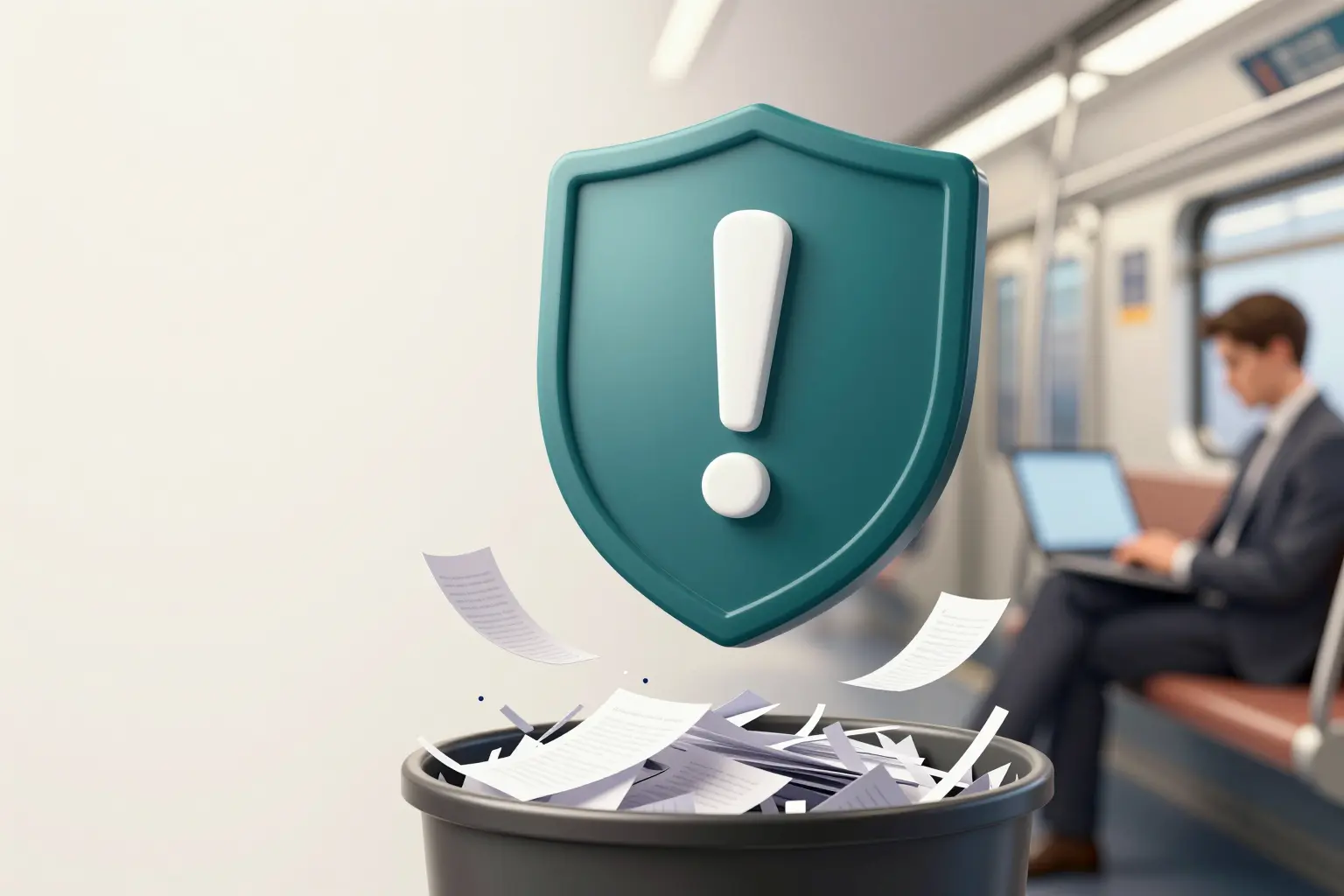
In the article Social engineering: tailgating, baiting and pretexting we already went through many of the techniques attackers use against you: tailgating, baiting, pretexting, vishing and smishing. In this post I continue walking through the bestiary of social engineering: scareware, shoulder surfing (over-the-shoulder spying), dumpster diving (rummaging in the bin) and, to wrap up, phishing in depth, including its most dangerous variant — spear phishing.
As usual, none of these techniques needs advanced software or any programming knowledge. They need exactly one thing: a victim who doesn’t suspect a thing.
Scareware: the antivirus that scares you
Scareware —also called rogue software — follows a very clear attack vector: bombarding you with fake alarms and fictitious threats.
A very common case happens on low-reputation pages (pirated software downloads, warez, gambling sites, etc.): a banner that poses as an online antivirus “detects your connection” and offers you a free scan of your device looking for malware.
Logically, the result of that “scan” is a flashy warning telling you that your computer is infected, with the option to remove the supposed malware with a single click. As you can guess, pressing that button could execute malicious code directly in your browser, hijack your system, or ask you to download and run a file to “complete the disinfection”.
Another variant: they redirect you to a fraudulent page (a clone of a well-known one), where a form asks for confidential information before proceeding with the “disinfection”. As you can see, the possibilities are endless.
Scareware can also reach you through unsolicited emails carrying fake warnings or offers designed to convince you to buy useless — or directly harmful — services.
How to avoid it:
- Always keep a legitimate, up-to-date security solution installed.
- Verify the authenticity of any alert before acting on it.
- Distrust pop-up windows offering “free” cleanups or scans.
- Keep your browser and your operating system updated: this prevents a good part of scareware and other malware installations.
- If you receive a suspicious notification, the best thing is to close the window and not provide any personal data.
That way you minimise your chances of ending up as a victim.
Shoulder surfing: spying over your shoulder
This old technique —in English, shoulder surfing, literally “surfing over the shoulder”— consists of discreetly looking over your shoulder to observe documents, the keyboard, the entering of passwords, or any action that lets the attacker get hold of confidential information.
More often than not, the attacker takes up a strategic angle from which they can see your keyboard or the screen of your device and capture key data without you noticing. The method is especially dangerous in crowded places, because proximity allows the attacker to obtain sensitive information without needing any major show of force.
The venue can be anywhere: all shoulder surfing needs is proximity between victim and attacker. It can happen at your workplace, at a bank ATM, or even during a metro ride, where the attacker plants themselves close enough to you to see everything you type into your device, including an unlock PIN.
How to avoid it:
- Keep your screen out of sight of third parties.
- Use a privacy screen (they are cheap and very effective).
- Stay aware of your surroundings when you enter sensitive data.
These precautions may look excessive, but they are key to protecting your personal as well as your financial information.
Dumpster diving: rummaging through the bin
Freely translated, “dumpster diving” is the practice of looking for valuable information in the victims’ trash.
Among the many sheets of paper, packaging, letters and receipts thrown away every day there is personal, confidential information that, in the hands of an attacker, is worth a great deal for carrying out social engineering attacks.
The problem with failing to properly destroy these wastes is that someone might go through them to impersonate you or launch a social engineering attack with absolutely real data.
If that weren’t enough, some professional cybercriminals combine this practice with searches through public social networks to get even more details about you. So the documents found in the trash can give clues about your daily routines, your banking movements, or your work that ease the obtaining of passwords or the perpetration of frauds.
Recommendations:
- Buy a paper shredder for the home and shred any papers containing personal data or confidential information. That way you prevent documents with sensitive data from being recovered and interpreted by third parties.
- Package wrappers and letters with your full name, address, and sometimes your phone number: scratch the information beyond recognition with a nail or a key before throwing it in the bin.
Two small gestures take away a vein of information from people who live on what others throw away.
Phishing: king of trickery
There are many kinds of phishing: email phishing, spear phishing, whaling, smishing and vishing. Sometimes, when we speak of phishing as such, we mean email phishing, which is the most common.
The objective of cybercriminals in this type of trickery is to convince you to do one of these things: download attached files, click on links, share sensitive data, or transfer money.
Phishing generally revolves around three key elements: the attachments, the links, and the text of the email.
- Attachments: these can be safe files or malicious ones.
- Links: particularly dangerous, because they can be safe at the beginning and turn malicious a short while later.
- Text: the most dangerous element, because attackers use wordiness to build trust and deceive you. The best way to defend yourself against phishing is awareness and the common sense that goes with it. It is true that there are security products to protect your email that identify known problems in malicious attachments and links, but they are no use against 0-day malware (unknown vulnerability) and do not detect links to websites that were safe at the moment the email was sent.
Even the best AI-powered tool cannot prevent an employee in the finance department from falling for a social engineering technique that ends up transferring money to a fraudulent account.
Although they are better crafted every time, a good percentage of fraudulent emails can still be spotted with the naked eye: spelling or grammatical errors, links to webpages that don’t match their actual destination (or make use of URL shorteners), or senders coming from an unfamiliar domain.
The imagination of cybercriminals is infinite. A frequently used method is to impersonate official entities —the police, public officials, or any other government agency— to exploit the trust that citizens have in those institutions.
During the pandemic, huge numbers of scams related to vaccination were carried out. In most of the cases, the attackers promised money and prizes to those who’d fill out pre- and post-vaccination surveys. Once the surveys finished, a payment was requested to cover supposed shipping and handling fees in order to “receive the prize”.
Once the victims provided their credit card details, a charge was posted for a prize they would never receive. In other instances, the fraud amounted to a simple but damaging collection of confidential information that would allow the attacker to launch a more specific attack later, like digital identity theft.
As an extra example: at one point an email started to spread massively, purporting to be from a well-known music-streaming platform and promising several months of free subscription. To get the benefit, the user had to fill in a form with their credit card and additional personal data. The campaign managed to trick a large number of users who ended up subscribed to a fake page and with their banking details exposed. This proves that when something looks too good to be true, it generally is.
And here’s an important nuance: sharing so much personal information on social networks —opinions, pictures, tastes, work, hobbies, family, friends, birthday, real name…— hands an attacker the perfect material to prepare a far more sophisticated, targeted attack against you: spear phishing.
Unlike in mass phishing campaigns, where attackers send huge amounts of emails, with spear phishing they first analyse all the information they can get about each one of their victims.
For example, if they find out that their target enjoys playing golf, they’ll send a customised email with personal information mined from their social profiles, inviting them to register for a local golf tournament. To complete the process they’ll ask for additional personal data and even a small fee to cover organisational expenses (shirts, trophies, catering…). In most cases that second step happens through a fraudulent link that leads to a fictitious golf website, where the victim fills out a form that makes the scam real.
This type of scam is simply by not clicking on any link in a suspicious email. It is even advisable not to press on the “unsubscribe” or “opt out” link: an attacker can deliberately bombard you with unsolicited emails in order to get you to click on one of those links that takes you to a website with malicious JavaScript code that infects your device.
When there is a reasonable doubt that the email is legitimate and it offers a link or an image that redirects to their site, the best option is to manually search for the organisation’s page in your browser. Once you get the search results, you can click on the first one, which will take you to the same site the link in the email promised. This measure is considered fairly safe, because websites with fraudulent domains rarely manage to rank in the first search results.
Another way to verify that the link actually redirects to the claimed domain is to hover the mouse over the link —or long-press it on a mobile device— to reveal the destination URL.
That URL should match the one displayed in the email and the name of the organisation’s domain. You should also check whether the website displays a security certificate (the “s” in https), although that is not an absolute guarantee of legitimacy.
And one more: copy the link, go to VirusTotal, and paste it there to see whether it has been previously reported as malicious.
Could you tell which of these URLs is the right one?
https://www.аррӏе.com/— this is not Apple’s.https://www.apple.com/— this is Apple’s.
This is what’s called a Punycode attack: in the first URL some letters are written in Cyrillic script —in this case the “a” and the “l”— so that, although it looks identical to the naked eye, the two URLs are quite different. Cybercriminals often create addresses that barely differ from the legitimate ones —swapping a single letter or adding a character—to trick the user.
Final recommendations
To close, a practical recap of what you can apply right away:
- Check that the sender matches who they claim to be.
- If the subject line of an email is wordy with a clickbait phrase that is clearly designed to grab your attention, chances are high that it’s fraudulent.
- Organisations you’re already a client of will never ever ask for personal data via email, and much less for login credentials. And if the message uses a threatening tone, appeals to urgency, or offers a deal that’s too good to be true, that alone is reason enough to distrust it.
- Avoid clicking on links and, if you do, first check that the URL the link redirects to matches the visible one in the email and that it ships with a security certificate. Watch out for these two traps:
- Look-alike fraudulent domains: don’t trust what you think you’re seeing.
gasnatura1.esorgаsnаtuгаl.еsis not the real one: the real company domain isgasnatural.es. - Letters swapped for similar Cyrillic ones (the Punycode attack described above).
- Look-alike fraudulent domains: don’t trust what you think you’re seeing.
- Distrust messages with plenty of spelling or grammatical errors, especially if they look like a poor automatic translation, although those errors are becoming rarer thanks to AI tooling.
- Inspect any attachments before opening them.
- Disable macros if you don’t need them day to day.
- For suspicious websites, browse safely in a controlled environment using this virtual browser: Browserling —you paste a URL and visit it without running anything on your own device.
To wrap up
None of the techniques we’ve seen in this post —scareware, shoulder surfing, dumpster diving, phishing and spear phishing— exploits a software bug: they exploit habit, carelessness, and trust. The best antivirus cannot save you from the door you open deliberately. The immunity is up to you: awareness of your surroundings when you type a password, a paper shredder instead of the bin, and two seconds of doubt before clicking on any link.
The human threat doesn’t end here. Even with all these habits in place, if you don’t lock down your logins with a second layer —multifactor authentication— a single password theft or a well-aimed social engineering hit can still open the door for them. That’s why the series closer, part 3, dedicated to protecting your passwords and enabling multifactor authentication, deserves the most attention of all.